
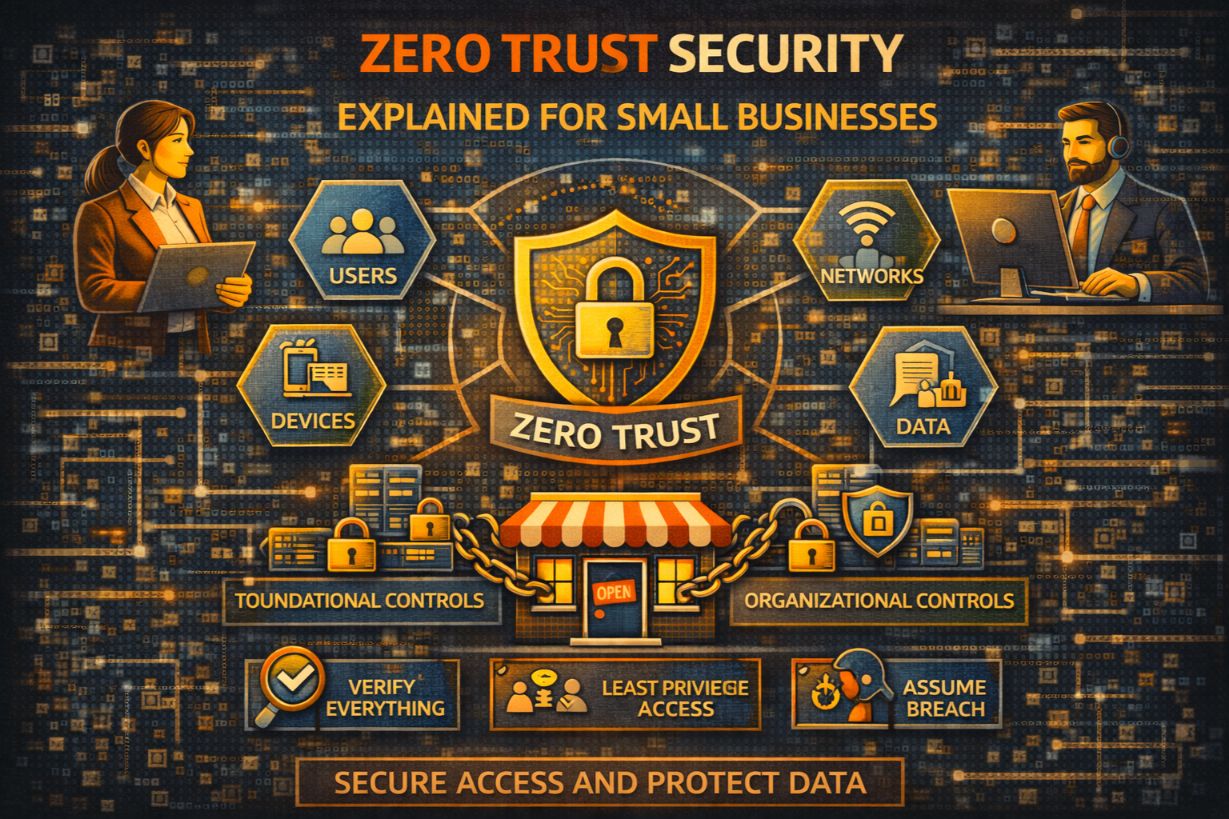
Zero Trust Security Explained for Small Businesses
“Zero Trust” is one of the most abused terms in cybersecurity.
Vendors use it to sell tools.
Consultants use it to sell projects.
SMBs hear it and assume:
- “That’s enterprise stuff”
- “We can’t afford that”
- “We already trust our people”
Most of that confusion comes from misunderstanding what Zero Trust actually is.
Zero Trust is not a product.
It’s not a platform.
It’s not an all-or-nothing transformation.
Zero Trust is a security mindset built around one uncomfortable truth:
Trust is the most dangerous default in modern IT environments.
This article explains Zero Trust security for small businesses in practical terms—what it means, what it doesn’t, and how SMBs can apply Zero Trust principles incrementally without blowing up their operations.
What Zero Trust Really Means (In Plain English)
Zero Trust means:
- Never automatically trust users, devices, or systems
- Always verify identity and context
- Limit access as much as possible
- Assume compromise is possible
It does not mean:
- You trust no one personally
- You rebuild your network overnight
- You buy a “Zero Trust solution”
Zero Trust replaces implicit trust with continuous verification.
Why Traditional “Trust the Network” Security Fails SMBs
Legacy security assumed:
- If you’re inside the network, you’re trusted
- Firewalls protect the perimeter
- Internal traffic is safe
That model is broken.
Modern SMB environments include:
- Cloud applications
- Remote workers
- Personal devices
- Third-party vendors
There is no clear perimeter anymore.
Attackers exploit this by:
- Stealing credentials
- Moving laterally
- Blending in as “trusted users”
Zero Trust exists because perimeters dissolved.
Why Zero Trust Actually Fits SMB Reality Better Than Enterprises
Ironically, SMBs often adopt Zero Trust more easily than large organizations.
Why?
- Fewer legacy systems
- Heavy cloud usage
- Smaller user populations
- Less technical debt
Zero Trust for SMBs is often about tightening access, not rebuilding architecture.
The Core Principles of Zero Trust (SMB Version)
Zero Trust can be boiled down to five practical principles.
Principle 1: Verify Identity Every Time
Identity is the new perimeter.
This means:
- MFA everywhere
- Strong authentication
- Continuous validation
If credentials are stolen, Zero Trust limits damage.
For SMBs, this is the single most important Zero Trust step.
Principle 2: Trust Devices Only If They Meet Standards
Not all devices are equal.
Zero Trust asks:
- Is the device managed?
- Is it patched?
- Is it encrypted?
- Is it healthy?
Unmanaged or risky devices get:
- Limited access
- No access
- Additional verification
This reduces risk from lost, stolen, or compromised devices.
Principle 3: Limit Access Ruthlessly (Least Privilege)
Zero Trust assumes:
If an account is compromised, damage should be minimal.
This requires:
- Role-based access
- No standing admin rights
- Just-in-time elevation
SMBs often fail here by giving “temporary” access that becomes permanent.
Principle 4: Segment Access to Reduce Blast Radius
Zero Trust limits lateral movement.
Instead of:
- “Everyone can reach everything”
You aim for:
- Users can only reach what they need
- Systems are isolated logically
- Vendors are restricted
Segmentation doesn’t require complex networking—often it’s just access control.
Principle 5: Monitor and Re-Verify Continuously
Zero Trust assumes compromise will happen.
That means:
- Monitor logins
- Watch behavior
- Detect anomalies
- Respond quickly
Trust is never permanent—it’s conditional.
What Zero Trust Is NOT (Important Clarifications)
Zero Trust is not:
- A firewall replacement
- A single vendor product
- A compliance checkbox
- A one-time project
If someone sells “Zero Trust in a box,” they’re oversimplifying.
The Most Common Zero Trust Myths in SMBs
“Zero Trust Means No One Can Work”
Reality: Zero Trust improves access reliability by reducing incidents.
“It’s Too Expensive”
Reality: Many Zero Trust controls are already included in common platforms.
“We Trust Our Employees”
Reality: Zero Trust protects employees from stolen credentials and impersonation.
“We’ll Do It Later”
Reality: Most Zero Trust wins are low-effort, high-impact.
Practical Zero Trust Wins SMBs Can Implement Quickly
You don’t start with architecture diagrams.
You start with behavior changes.
1. Enforce MFA Everywhere (Again, Yes)
Email, cloud apps, VPNs, admins—no exceptions.
This single step blocks most attacks.
2. Remove Standing Admin Rights
Use:
- Separate admin accounts
- Temporary elevation
- Approval workflows
This alone drastically reduces ransomware spread.
3. Restrict Vendor Access
Vendors should:
- Use MFA
- Have limited permissions
- Be time-bound
Zero Trust treats vendors as high-risk by default—for good reason.
4. Secure Remote Access Explicitly
Remote access should:
- Require MFA
- Use secure gateways
- Validate device health
Home networks are not trusted networks.
5. Monitor Identity Activity Closely
Track:
- Impossible travel
- New devices
- Privilege changes
Identity monitoring is core to Zero Trust.
Zero Trust and Cloud-First SMBs
Cloud platforms already support Zero Trust principles:
- Conditional access
- Identity-based controls
- Device trust policies
Many SMBs are already halfway to Zero Trust without realizing it.
The gap is configuration and enforcement.
Zero Trust vs Traditional VPN Models
VPNs assume:
- Once connected, you’re trusted
Zero Trust assumes:
- Trust must be re-earned continuously
Modern Zero Trust access often replaces broad VPN access with application-specific access.
Zero Trust and Ransomware Defense
Ransomware thrives on:
- Excessive access
- Credential reuse
- Lateral movement
Zero Trust:
- Limits blast radius
- Slows attackers
- Increases detection
It doesn’t prevent ransomware—but it contains it.
How Zero Trust Aligns With NIST and CIS
Zero Trust is not a competing framework.
It reinforces:
- NIST Protect and Detect
- CIS access control and identity controls
Think of Zero Trust as how you implement best practices—not an extra layer.
Common SMB Mistakes When Adopting Zero Trust
- Trying to do everything at once
- Overengineering solutions
- Ignoring user experience
- Buying tools before changing behavior
Zero Trust fails when it becomes theoretical.
How SMBs Should Approach Zero Trust Incrementally
A realistic path:
- Enforce MFA everywhere
- Tighten admin access
- Restrict vendor and remote access
- Improve monitoring
- Add device trust controls
Each step adds value independently.
Zero Trust Is About Assuming Reality, Not Distrust
Zero Trust does not assume people are malicious.
It assumes:
- Credentials will be stolen
- Devices will be lost
- Mistakes will happen
This is realism—not paranoia.
Zero Trust Is a Survival Strategy
Zero Trust isn’t about being cutting-edge.
It’s about limiting how much damage one mistake can cause.
For small businesses, that’s everything.
You don’t need a Zero Trust program.
You need Zero Trust principles, applied consistently.
Next Steps
To start applying Zero Trust:
- Audit MFA coverage
- Review admin access
- Restrict vendor permissions
- Enable identity monitoring
Zero Trust doesn’t require a revolution.
It requires discipline.