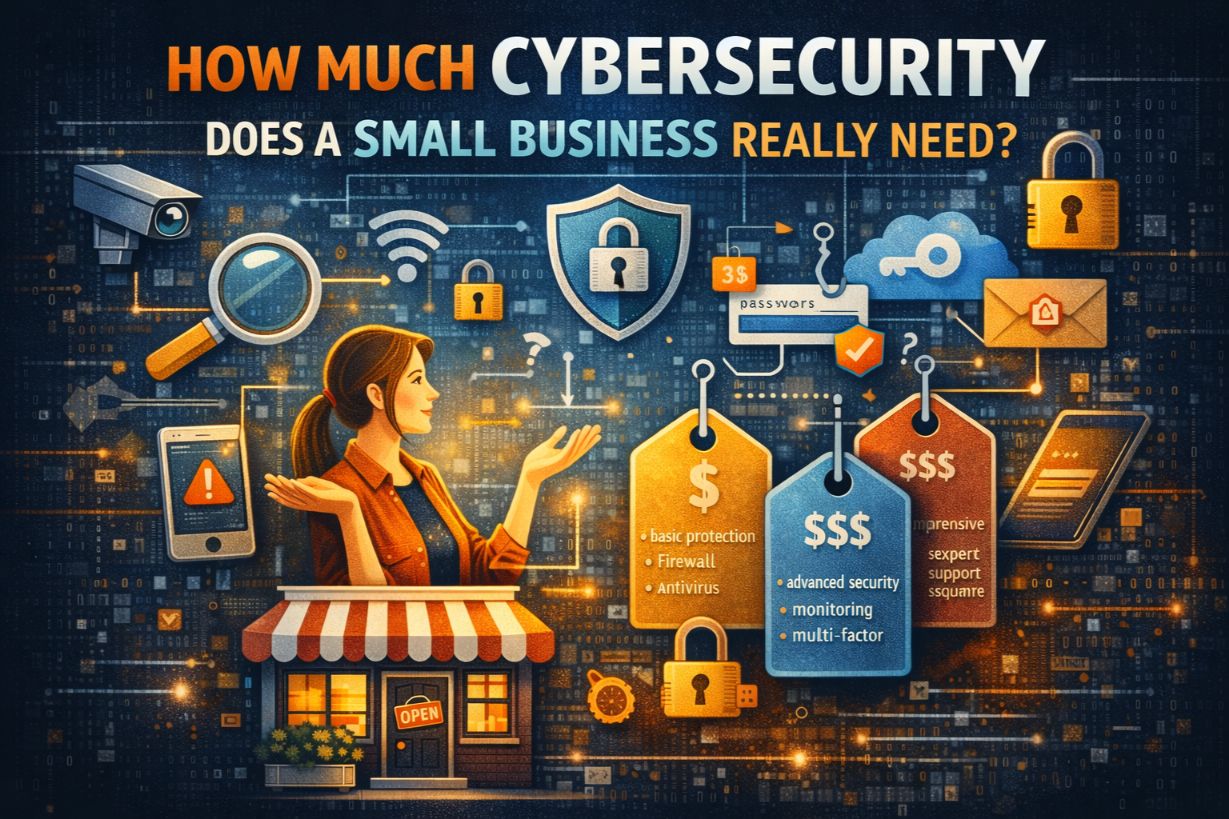
How Much Cybersecurity Does a Small Business Really Need?
“How much cybersecurity do we actually need?”
It’s one of the most common—and most misunderstood—questions small business owners ask.
Too much security feels expensive and complex.
Too little security feels risky—but often invisible.
Most SMBs struggle because they believe cybersecurity is an all-or-nothing decision: either enterprise-grade defenses or nothing at all. That thinking leads to poor investments, security gaps, and reactive decisions after incidents occur.
This guide explains how much cybersecurity a small business really needs, how to determine your actual requirements, and how to build protection that fits your business—not someone else’s.
There Is No Universal Cybersecurity “Checklist”
One of the biggest mistakes SMBs make is looking for a universal checklist.
Cybersecurity requirements vary based on:
- Industry
- Business size
- Type of data handled
- Regulatory exposure
- Operational dependency on technology
- Risk tolerance
A five-person marketing firm does not need the same cybersecurity stack as a healthcare clinic or financial services provider.
The goal is not maximum security.
The goal is appropriate security.
Start With the Right Question (Not the Wrong One)
The wrong question:
“What cybersecurity tools should we buy?”
The right question:
“What risks could shut down our business or cause serious damage?”
Cybersecurity is about impact, not technology.
Until you understand:
- What you rely on to operate
- What data would be catastrophic to lose
- What downtime would cost you
- What legal or compliance exposure exists
You cannot determine how much cybersecurity you need.
The Core Cybersecurity Requirements for All Small Businesses
While there is no one-size-fits-all solution, every small business shares a baseline set of cybersecurity requirements.
If you lack any of the following, you are exposed.
1. Identity and Access Protection (Non-Negotiable)
Stolen credentials are responsible for a massive percentage of SMB breaches.
At a minimum, small businesses need:
- Multi-factor authentication (MFA) for email and cloud apps
- Strong password policies
- Role-based access (no shared admin accounts)
- Immediate access removal for terminated employees
If attackers can log in legitimately, security tools won’t matter.
2. Email Security (Your Primary Attack Surface)
Email is the #1 entry point for cyberattacks on small businesses.
Minimum email security requirements include:
- Advanced phishing filtering
- Attachment scanning
- Link rewriting or sandboxing
- Domain authentication (SPF, DKIM, DMARC)
If your email isn’t protected, your business isn’t protected.
3. Endpoint Protection Beyond Antivirus
Traditional antivirus is no longer sufficient.
Modern SMB endpoint security should include:
- Behavioral detection
- Ransomware protection
- Automated isolation of infected devices
- Visibility into suspicious activity
Every laptop, desktop, and server is an attack surface.
4. Patch and Update Management
Many SMB breaches exploit known vulnerabilities.
Basic requirements include:
- Regular operating system updates
- Third-party software patching
- Removal of unsupported software
- Visibility into outdated devices
Unpatched systems are low-hanging fruit for attackers.
5. Backup and Recovery Capabilities
Backups are not optional.
Minimum requirements:
- Automated backups
- Off-site or cloud backups
- Immutable or isolated backup copies
- Regular restore testing
A backup that hasn’t been tested is a liability, not a safeguard.
6. Basic Monitoring and Alerting
If you can’t detect issues, you can’t respond.
SMBs should have:
- Login alerts
- Endpoint activity monitoring
- Email threat reporting
- Centralized logging (even at a basic level)
Most SMB breaches go undetected for far too long.
How Business Type Changes Cybersecurity Requirements
Not all small businesses face the same risks.
Professional Services (Legal, Accounting, Consulting)
- High-value client data
- Email compromise risk
- Regulatory exposure
- Reputation-driven trust
Security focus:
- Email protection
- Access controls
- Data encryption
- Client data handling policies
Healthcare and Medical Practices
- Protected health information (PHI)
- Regulatory compliance (HIPAA)
- High ransomware targeting
- Critical uptime requirements
Security focus:
- Compliance controls
- Endpoint protection
- Backup resiliency
- Incident response planning
Retail and E-Commerce
- Payment data exposure
- PCI compliance
- Fraud risk
- Customer trust
Security focus:
- Payment system isolation
- Web application security
- Monitoring and fraud detection
Manufacturing and Operations
- Operational downtime risk
- Legacy systems
- Supply chain exposure
Security focus:
- Network segmentation
- Patch management
- Backup and recovery
- Vendor access controls
How Much Cybersecurity Is “Enough”?
Cybersecurity is sufficient when:
- Common attack paths are blocked
- Failures are contained
- Detection happens quickly
- Recovery is predictable
You don’t need perfect security.
You need resilient security.
A useful rule of thumb:
If a single mistake can shut down your business, you don’t have enough cybersecurity.
The Cybersecurity Budget Reality for Small Businesses
Most SMBs fear cybersecurity costs because they think in terms of tools, not outcomes.
The real cost drivers are:
- Downtime
- Data loss
- Recovery effort
- Legal exposure
- Reputation damage
Cybersecurity spending should be framed as risk reduction, not IT expense.
A modest, well-planned investment often prevents catastrophic losses.
Why “Doing Nothing” Is the Most Expensive Option
Many SMBs delay cybersecurity investments because:
- They haven’t been breached yet
- Budgets are tight
- Security feels abstract
But cyber incidents force spending at the worst possible time:
- During downtime
- Under pressure
- With limited options
- At premium emergency rates
Proactive cybersecurity is cheaper than reactive recovery—every time.
Managed Security vs. In-House: A Reality Check
Most small businesses cannot:
- Staff a security operations team
- Monitor systems 24/7
- Respond instantly to incidents
- Keep up with evolving threats
Managed security services often provide:
- Better coverage
- Faster response
- Predictable costs
- Access to expertise
For many SMBs, outsourcing security is not a compromise—it’s the only practical option.
How to Right-Size Cybersecurity for Your Business
Right-sizing cybersecurity means:
- Identifying critical assets
- Understanding likely threats
- Prioritizing controls that reduce real risk
- Avoiding unnecessary complexity
Security should support the business, not slow it down.
The best security strategy is one your business can sustain.
Signs You Don’t Have Enough Cybersecurity
If any of these are true, you likely need more protection:
- No MFA on email
- No incident response plan
- Backups haven’t been tested
- No visibility into suspicious activity
- Security responsibilities are unclear
- Employees haven’t received training
These are not advanced problems—they are foundational gaps.
Cybersecurity Is a Business Decision
“How much cybersecurity do we need?” is not a technical question.
It’s a business decision about:
- Risk tolerance
- Operational continuity
- Customer trust
- Long-term survival
The right amount of cybersecurity is the amount that ensures a single cyber incident cannot end your business.
Anything less is gambling.
Next Steps
To determine your actual cybersecurity requirements:
- Perform a cybersecurity risk assessment
- Review access controls and email security
- Test backups and recovery
- Clarify incident response responsibilities
Security clarity today prevents crisis decisions tomorrow.