
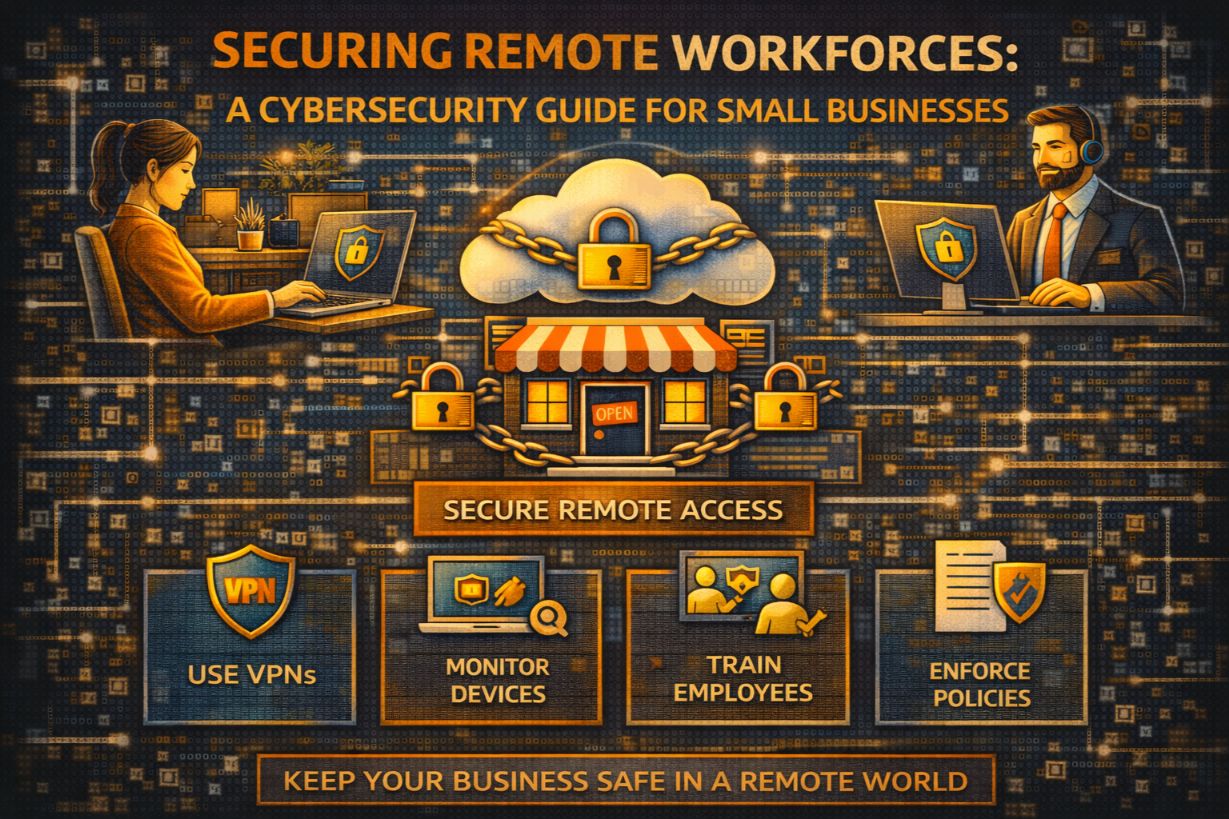
Securing Remote Workforces: A Cybersecurity Guide for Small Businesses
Remote work didn’t introduce new cyber risks.
It removed the illusion of control.
Before remote work, small businesses relied on:
- Office networks
- Physical presence
- Informal oversight
Remote work shattered those assumptions permanently. Devices now connect from coffee shops, home networks, hotels, and airports—often with direct access to cloud systems that hold everything.
For SMBs, remote work security is no longer optional or temporary. It is a permanent operating condition that must be secured intentionally.
This guide explains how to secure a remote workforce, what actually matters, where SMBs fail, and how to protect remote employees without crippling productivity.
Why Remote Work Is a Cybersecurity Multiplier
Remote work increases risk because it:
- Expands attack surface
- Removes network boundaries
- Blurs personal and business devices
- Reduces visibility
Attackers know this.
Remote employees are targeted because:
- They rely heavily on email
- They work outside controlled networks
- They handle sensitive data directly
Remote work doesn’t cause breaches—unsecured remote work accelerates them.
The Biggest Remote Work Security Myth
“If employees use VPN, we’re secure.”
VPNs are not enough.
They:
- Authenticate users once
- Trust the device implicitly
- Provide broad access
Stolen VPN credentials give attackers the same access as legitimate users.
Remote security must be identity- and behavior-driven, not location-driven.
The Real Remote Work Threat Model for SMBs
Remote work attacks typically involve:
- Phishing emails
- Credential theft
- Account takeover
- Lateral movement through cloud apps
Rarely:
- Advanced hacking
- Zero-day exploits
Remote security fails because access controls and monitoring are weak, not because attackers are brilliant.
Remote Work Security Pillar #1: Identity Protection
Identity is the new perimeter.
Every remote security strategy starts here.
Enforce MFA Everywhere (Non-Negotiable)
MFA must be enabled on:
- Cloud apps
- VPNs
- Admin accounts
Without MFA:
- Phishing = breach
This single control stops the majority of remote work attacks.
Eliminate Shared Accounts
Shared credentials:
- Destroy accountability
- Amplify damage
- Hide malicious activity
Every user must have:
- A unique identity
- Role-based access
Remote Work Security Pillar #2: Device Security
Remote security collapses when endpoints are compromised.
Secure Company-Owned Devices
Minimum standards:
- Full disk encryption
- Automatic updates
- Endpoint protection
- Screen lock enforcement
Lost or stolen devices should not expose data.
Control Personal (BYOD) Devices Carefully
If BYOD is allowed:
- Limit access scope
- Require MFA
- Enforce basic security posture
Do not grant admin-level access from unmanaged devices.
Remote Work Security Pillar #3: Access Control Discipline
Remote access should be restricted, not assumed.
Apply Least Privilege Access
Remote users should only access:
- Systems required for their role
- During business-justified periods
Temporary access should expire automatically.
Separate Admin and User Access
Admins should:
- Use separate credentials
- Elevate access only when needed
This dramatically limits ransomware spread.
Remote Work Security Pillar #4: Email Defense
Email is the primary remote attack vector.
Remote security requires:
- Advanced phishing protection
- Impersonation detection
- User reporting tools
Employees must be able to report suspicious emails easily—without fear.
Remote Work Security Pillar #5: Monitoring and Visibility
You cannot protect what you cannot see.
Monitor Identity and Login Activity
Track:
- Unusual login locations
- Impossible travel
- New device access
- Privilege changes
Remote breaches are often detectable early—if someone is watching.
Monitor Endpoint Behavior
Look for:
- Suspicious processes
- Unexpected software
- Command-and-control traffic
Endpoint detection is critical for remote environments.
Why Home Networks Are Not the Real Problem
SMBs often obsess over:
- Home Wi-Fi security
But most breaches occur after credentials are stolen, not through Wi-Fi hacking.
Focus on:
- Identity protection
- Access control
- Monitoring
Home networks are a factor—not the root cause.
Remote Work and Cloud Security Are Inseparable
Remote employees access cloud systems directly.
Security must follow:
- Identity
- Device health
- Context
Remote work security without cloud security is incomplete.
Remote Work Security and Ransomware
Ransomware thrives in remote environments because:
- Credentials are reused
- Access is broad
- Monitoring is limited
Strong remote security:
- Reduces initial access
- Slows lateral movement
- Improves detection
Containment—not prevention—is the goal.
Common SMB Mistakes in Remote Security
- Relying solely on VPNs
- Allowing unmanaged devices
- Ignoring offboarding delays
- Skipping monitoring
- Treating remote access as “temporary”
These mistakes compound quickly.
Remote Work Security and Compliance
Remote work does not reduce compliance obligations.
Regulations still require:
- Access controls
- Data protection
- Logging
- Incident response
Remote access increases audit scrutiny—not decreases it.
How SMBs Should Secure Remote Work Incrementally
Start with:
- MFA everywhere
- Secure endpoints
- Reduce access scope
- Enable monitoring
- Train employees realistically
Each step improves security independently.
The Role of Zero Trust in Remote Work
Zero Trust aligns perfectly with remote security:
- Verify identity continuously
- Trust devices conditionally
- Limit access
- Monitor behavior
Remote work made Zero Trust practical—not theoretical.
What “Good” Remote Security Looks Like Day-to-Day
Most days:
- Nothing happens
- Access works smoothly
- Alerts are reviewed quietly
When something goes wrong:
- Detection is quick
- Access is revoked
- Damage is limited
Success is boring—and that’s ideal.
Remote Work Is Not the Risk—Lack of Control Is
Remote work is here to stay.
The risk isn’t flexibility.
The risk is implicit trust without visibility.
Secure remote work:
- Enables productivity
- Reduces incidents
- Preserves resilience
Remote Work Security Is an Access Problem
For SMBs, remote work security failures are rarely technical.
They are:
- Identity failures
- Access failures
- Monitoring failures
Fix those, and remote work becomes a strength—not a liability.
Next Steps
To secure your remote workforce:
- Audit MFA coverage
- Review remote access permissions
- Secure endpoints
- Enable identity monitoring
- Clarify incident response
Remote work doesn’t break security.
Unmanaged access does.