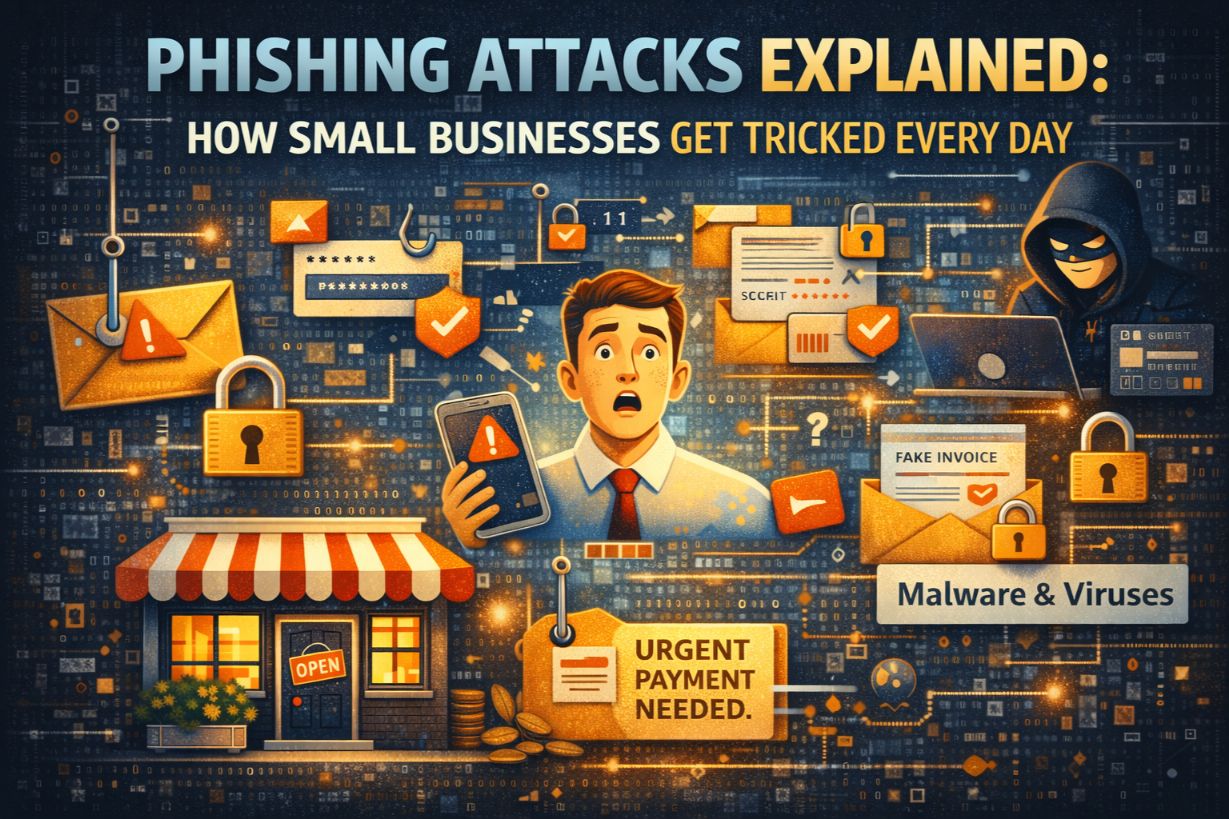
Phishing Attacks Explained: How Small Businesses Get Tricked Every Day
Most cyberattacks against small businesses don’t start with malware.
They start with an email.
Phishing attacks are the most common, most successful, and most underestimated cyber threat facing SMBs today. They don’t rely on technical sophistication. They rely on psychology—urgency, trust, fear, and routine.
And they work every single day.
This guide explains how phishing attacks work, why small businesses are especially vulnerable, what modern phishing looks like (it’s not obvious), and how SMBs can dramatically reduce their risk without disrupting operations.
What Is a Phishing Attack?
A phishing attack is a form of social engineering where attackers impersonate a trusted source to trick someone into:
- Clicking a malicious link
- Downloading an infected attachment
- Entering login credentials
- Approving a fraudulent payment
- Sharing sensitive information
The goal is access—not noise, not destruction, not skillful hacking.
Once attackers gain access, they escalate quietly.
Why Phishing Is the #1 Threat to Small Businesses
Phishing dominates SMB attacks because it’s:
- Cheap to execute
- Easy to scale
- Hard to stop completely
- Highly effective against untrained users
Attackers don’t need to bypass firewalls or exploit vulnerabilities if they can convince an employee to let them in.
And most small businesses lack:
- Regular security training
- Phishing simulations
- Advanced email filtering
- Clear reporting processes
That combination makes phishing incredibly profitable.
How Modern Phishing Attacks Actually Work
Forget poorly written emails with obvious typos.
Modern phishing attacks are well-researched, timed, and contextual.
Step 1: Reconnaissance
Attackers gather information from:
- Company websites
- LinkedIn profiles
- Social media
- Data breaches
- Email headers
They learn:
- Who works there
- Who handles finance
- Which tools you use
- Who reports to whom
Step 2: Crafting the Message
Phishing emails are designed to:
- Look routine
- Match business workflows
- Create urgency
- Avoid suspicion
Common disguises include:
- Microsoft 365 alerts
- DocuSign requests
- Vendor invoices
- Shipping notifications
- Executive requests
If it looks like something you see every day, it’s more likely to work.
Step 3: Triggering Action
The email pushes the recipient to act quickly:
- “Your account will be locked”
- “Payment required immediately”
- “Document shared with you”
- “Can you handle this now?”
Urgency disables critical thinking.
Step 4: Credential Theft or Malware Delivery
Once the user interacts:
- Fake login pages steal credentials
- Attachments deploy malware
- Links redirect to malicious sites
From there, attackers:
- Log in legitimately
- Move laterally
- Escalate privileges
- Plan next steps
Common Types of Phishing Attacks Against SMBs
1. Credential Phishing
The most common type.
Victims are sent to fake login pages that mimic:
- Microsoft 365
- Google Workspace
- VPN portals
- Cloud applications
Once credentials are entered, attackers log in immediately.
Without MFA, the attack is often successful within minutes.
2. Business Email Compromise (BEC)
BEC attacks are especially dangerous because they:
- Use real accounts
- Contain no malware
- Bypass many filters
Attackers monitor conversations, then insert payment or wiring instructions at the perfect moment.
This is one of the costliest phishing-related attacks for SMBs.
3. Attachment-Based Phishing
Emails include:
- PDFs
- Word documents
- Excel files
These files may:
- Contain malicious macros
- Exploit document viewers
- Redirect users to credential harvesters
Many SMBs still allow macros or lack attachment sandboxing.
4. Vendor and Supply Chain Phishing
Attackers impersonate:
- Vendors
- Contractors
- Service providers
Because the relationship is trusted, employees are less cautious.
These attacks often lead to payment fraud or credential compromise.
5. SMS and Voice Phishing (Smishing & Vishing)
Phishing isn’t limited to email.
Attackers now use:
- Text messages
- Voicemails
- Phone calls
These often bypass email protections entirely and catch SMBs unprepared.
Why Employees Fall for Phishing (Even Smart Ones)
Phishing success has nothing to do with intelligence.
It exploits:
- Time pressure
- Authority bias
- Familiar workflows
- Trust in internal systems
Employees are hired to:
- Be responsive
- Help customers
- Get work done quickly
Attackers weaponize those expectations.
Without training, falling for phishing is normal—not negligent.
Why Traditional Email Security Isn’t Enough
Basic spam filters stop obvious junk.
They don’t stop:
- Account takeover emails
- Well-crafted impersonation
- Contextual BEC attacks
- Zero-day phishing domains
SMBs relying on default email protection are playing defense with outdated tools.
What Happens After a Successful Phishing Attack
The real damage comes after the click.
Common outcomes include:
- Email account takeover
- Lateral movement into cloud apps
- Data exfiltration
- Ransomware deployment
- Financial fraud
- Reputation damage
Many SMBs don’t detect phishing-based compromises until:
- Money is gone
- Files are encrypted
- Customers are affected
By then, options are limited.
Why SMB Phishing Attacks Go Undetected
Phishing attacks often go unnoticed because:
- Logins look legitimate
- No malware is involved
- No alerts are triggered
- No one reports the email
Without monitoring and reporting, attackers operate quietly.
How Small Businesses Can Reduce Phishing Risk Dramatically
You can’t eliminate phishing—but you can neutralize it.
1. Enforce Multi-Factor Authentication Everywhere
MFA stops most credential-based phishing instantly.
Even if credentials are stolen, access is blocked.
This is the single most effective phishing defense.
2. Improve Email Security Controls
Effective email security includes:
- Advanced phishing detection
- Link rewriting and scanning
- Attachment sandboxing
- Impersonation protection
Default email settings are not enough.
3. Train Employees Regularly (Not Once)
Training should be:
- Ongoing
- Short
- Practical
- Reinforced with simulations
Employees should know:
- What phishing looks like
- How to report it
- That reporting is encouraged
4. Make Reporting Easy and Safe
If employees fear punishment, they won’t report.
Create:
- One-click reporting
- Clear escalation paths
- Positive reinforcement
Fast reporting limits damage.
5. Monitor for Suspicious Login Activity
Basic monitoring should include:
- Unusual login locations
- Impossible travel alerts
- New device logins
- Privilege changes
Early detection turns disasters into incidents.
Phishing Is a Business Risk—Not a User Problem
Blaming employees for phishing failures misses the point.
Phishing succeeds when:
- Controls are weak
- Training is absent
- Monitoring is limited
Strong organizations assume phishing will happen—and plan accordingly.
Phishing Isn’t Going Away
Phishing attacks continue to evolve because they work.
They’re cheap.
They’re effective.
They’re human-focused.
Small businesses that survive phishing attacks aren’t the ones with perfect employees.
They’re the ones with layered defenses and realistic expectations.
The goal isn’t zero clicks.
The goal is zero catastrophic outcomes.
Next Steps
To reduce phishing risk in your business:
- Enforce MFA immediately
- Upgrade email security
- Launch regular training
- Review monitoring and response procedures
Every phishing email is a test.
Preparation determines the outcome.