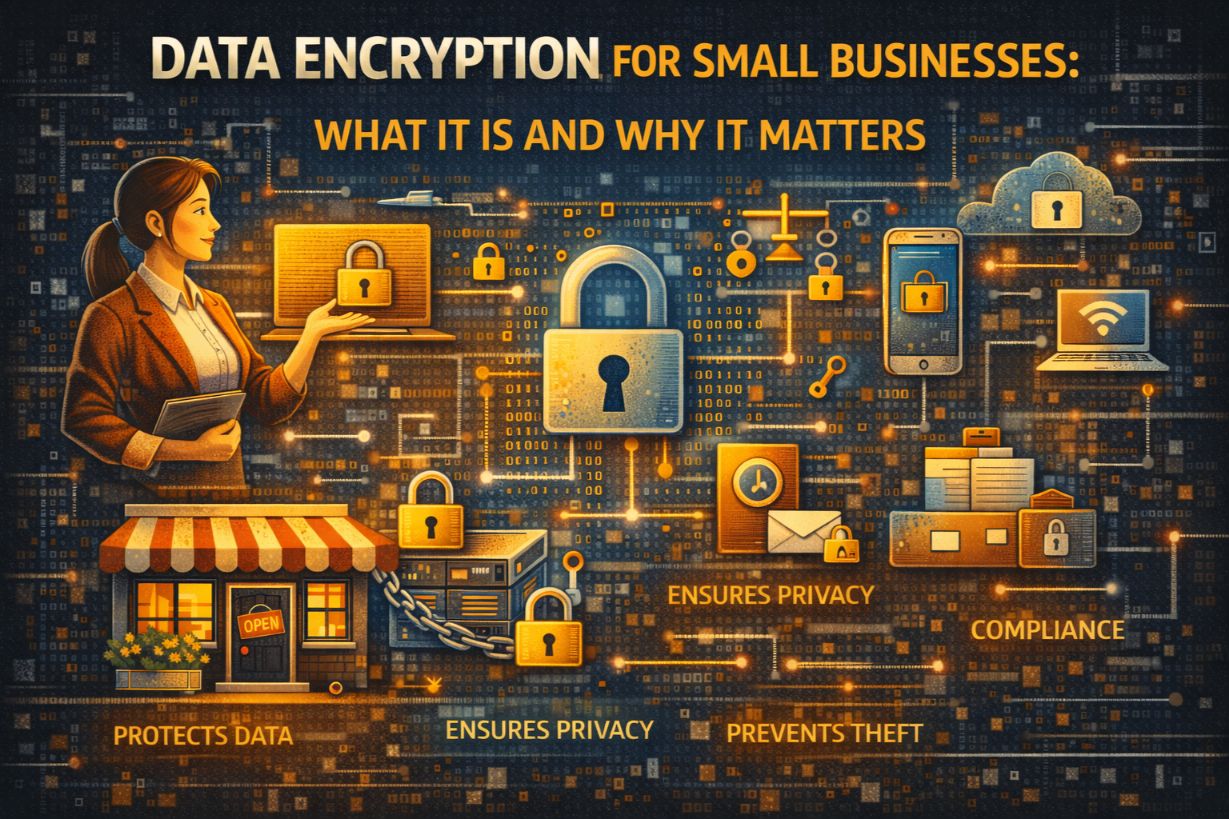
Data Encryption for Small Businesses: What It Is and Why It Matters
Encryption is one of the most misunderstood cybersecurity concepts among small businesses.
Many SMBs assume:
- “Our cloud provider already encrypts everything”
- “Encryption is only for large companies”
- “If data is encrypted, we’re safe”
None of those statements are fully true.
Encryption is not a silver bullet—but when used correctly, it’s one of the most powerful controls a small business can deploy to protect customer data, reduce breach impact, and meet legal requirements.
This guide explains data encryption for small businesses in plain language: what it actually does, when it matters, where SMBs get it wrong, and how to use it effectively without crippling operations.
What Is Data Encryption (In Simple Terms)?
Encryption converts readable data into unreadable code using cryptographic algorithms.
Only someone with the correct decryption key can turn that data back into something usable.
If encrypted data is stolen without the key:
- It’s useless to attackers
- It may not legally count as a breach
- Regulatory penalties may be reduced or avoided
Encryption doesn’t stop access.
It limits damage.
Why Encryption Matters More for Small Businesses
Small businesses often lack:
- Advanced detection
- Rapid response teams
- Legal buffers
Encryption acts as a damage-control mechanism.
When breaches happen—and they do—encryption can be the difference between:
- A reportable data breach
and - A contained security incident
For SMBs, that distinction can determine survival.
The Two Types of Encryption SMBs Must Understand
1. Encryption at Rest
This protects data stored on:
- Hard drives
- Laptops
- Servers
- Cloud storage
If a device is stolen or accessed improperly, encrypted data remains unreadable.
Examples:
- Full-disk encryption on laptops
- Encrypted cloud databases
- Encrypted backup storage
2. Encryption in Transit
This protects data while it’s moving between systems.
It prevents attackers from intercepting data during:
- Email transmission
- Web traffic
- File transfers
- Remote access
Examples:
- HTTPS websites
- Secure email transport
- VPN connections
Both types are essential—and many SMBs only partially implement them.
Common SMB Misconceptions About Encryption
“Our Cloud Provider Handles Encryption”
Cloud providers encrypt their infrastructure—not your responsibility layer.
You are still responsible for:
- User access controls
- Key management
- Data sharing permissions
- Endpoint security
Encryption without access control is meaningless.
“Encryption Means Hackers Can’t Get In”
Encryption does not stop:
- Credential theft
- Account compromise
- Insider misuse
If attackers log in legitimately, encryption does nothing.
Encryption protects data after something goes wrong—not before.
“Encryption Is Too Complex for Small Businesses”
Modern encryption is often:
- Built into operating systems
- Enabled by default in cloud platforms
- Invisible to users
The complexity myth leads SMBs to skip a critical safeguard.
Where Encryption Provides the Most Value for SMBs
Encryption should be applied where:
- Data loss would be catastrophic
- Devices are mobile
- Regulatory exposure exists
1. Laptops and Mobile Devices
Lost or stolen laptops are one of the most common SMB breach scenarios.
Without full-disk encryption:
- Anyone can access stored data
- Breach notification laws may apply
With encryption:
- Data remains protected
- Legal exposure may be avoided
This is one of the highest ROI encryption controls.
2. Cloud Storage and File Sharing
Customer data often lives in:
- Cloud drives
- CRM systems
- Accounting platforms
Encryption combined with:
- Access controls
- MFA
- Activity logging
Reduces the impact of misconfigurations and account compromise.
3. Backups
Backups often contain:
- Entire databases
- Historical customer data
- Credentials
Unencrypted backups are high-value targets.
Encryption ensures that stolen backups don’t become public disasters.
4. Databases and Applications
For businesses handling:
- Payment data
- Health information
- Sensitive client records
Database-level encryption is often required for compliance—and essential for risk reduction.
Encryption and Compliance: What SMBs Need to Know
Encryption plays a key role in:
- HIPAA
- PCI DSS
- State privacy laws
- Contractual security requirements
In many cases:
- Encrypted data is treated differently under breach laws
- Penalties are reduced if data is unreadable
- Notification requirements may change
Encryption doesn’t eliminate compliance—but it strengthens your position.
Why Encryption Alone Is Not Enough
Encryption fails when:
- Credentials are compromised
- Keys are poorly managed
- Access controls are weak
- Monitoring is absent
Encryption must be combined with:
- MFA
- Access management
- Endpoint security
- Logging and alerting
Think of encryption as seatbelts, not airbags.
Key Management: The Part SMBs Overlook
Encryption is only as strong as key management.
Common SMB mistakes include:
- Storing keys with the data
- Sharing keys broadly
- Never rotating keys
- Losing track of who has access
Poor key management negates encryption benefits entirely.
Encryption and Performance: The Reality
Modern encryption has minimal performance impact.
Concerns about:
- Slower systems
- User frustration
Are largely outdated.
The risk of not encrypting is far greater than any performance tradeoff.
When Encryption Doesn’t Help (And SMBs Are Surprised)
Encryption won’t protect you if:
- An attacker logs in with stolen credentials
- An employee misuses access
- Data is shared intentionally
- Ransomware encrypts your data (that’s different encryption)
Encryption protects data at rest and in transit—not business logic failures.
Practical Encryption Checklist for Small Businesses
At a minimum, SMBs should ensure:
- Full-disk encryption on all laptops
- Encrypted cloud storage
- Encrypted backups
- HTTPS for all web services
- Secure email transport
- Encrypted remote access
These controls are achievable without enterprise budgets.
Why Many SMBs Delay Encryption (And Why That’s Risky)
Common reasons:
- “We’ll do it later”
- “It hasn’t been an issue yet”
- “We trust our people”
Encryption is invisible when working—and painfully obvious when missing.
Most SMBs only realize they needed encryption after a loss.
Encryption as Damage Control, Not Perfection
Encryption doesn’t make you invulnerable.
It makes incidents survivable.
For small businesses, survivability matters more than perfection.
Encryption Is a Force Multiplier
Encryption doesn’t replace cybersecurity controls.
It multiplies their effectiveness.
When used correctly, encryption:
- Limits breach impact
- Reduces legal exposure
- Protects customer trust
- Buys time during incidents
For SMBs, that time can mean the difference between recovery and closure.
Next Steps
To strengthen encryption in your business:
- Verify full-disk encryption on all devices
- Review cloud storage encryption settings
- Ensure backups are encrypted
- Evaluate key management practices
Encryption is easiest to implement before you need it.