
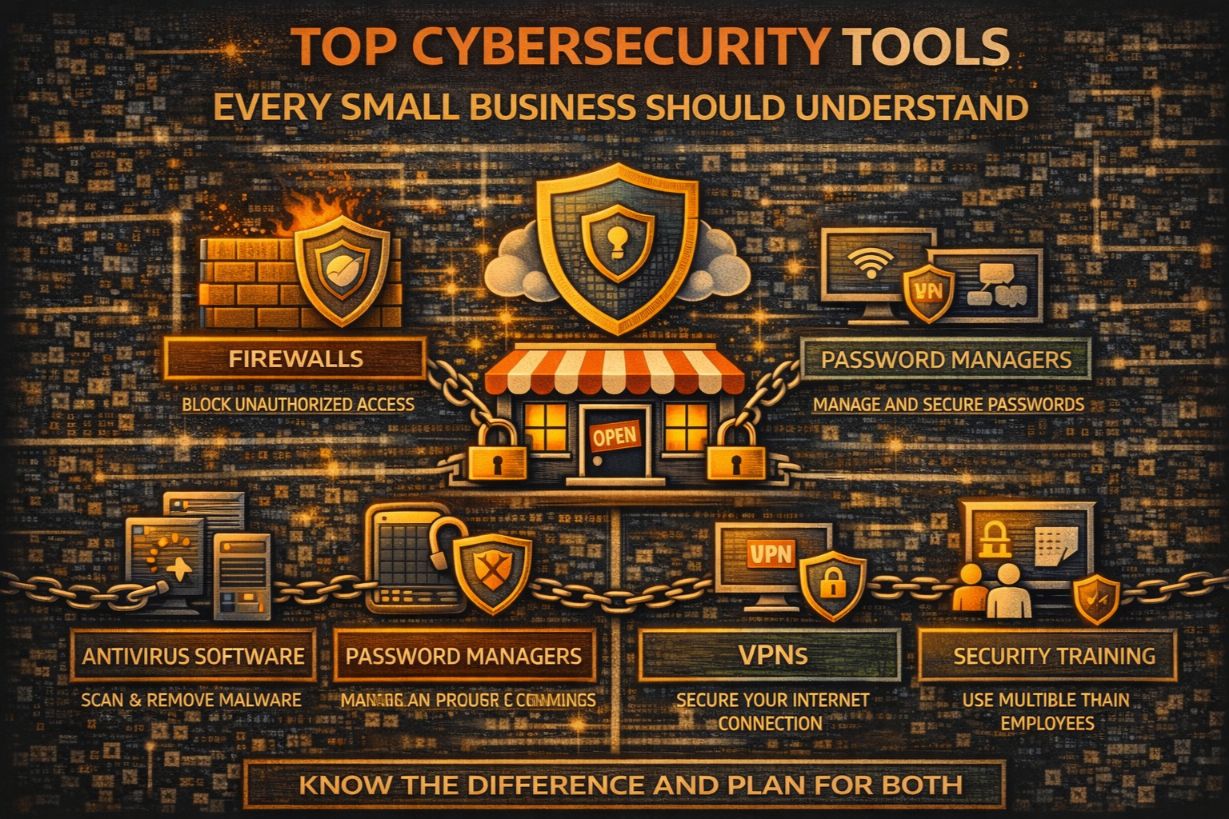
Top Cybersecurity Tools Every Small Business Should Understand
Small businesses don’t lose to cyberattacks because they lack tools.
They lose because they buy the wrong tools, misunderstand what those tools do, or assume tools replace people and process.
The cybersecurity market is loud, crowded, and aggressively sales-driven. Every product claims to be:
- Essential
- Revolutionary
- “All-in-one”
For SMBs, that noise is dangerous.
This article breaks down the core cybersecurity tools every small business should understand, what each category actually does, where tools fail, and how to think about technology without falling into the trap of tool sprawl.
A Critical Truth Before We Talk Tools
Tools do not provide security.
Tools provide:
- Visibility
- Control
- Automation
Security comes from:
- Correct configuration
- Continuous monitoring
- Human decision-making
Buying more tools without strategy increases risk, not reduces it.
The 5 Tool Categories That Actually Matter for SMBs
Most effective SMB security stacks revolve around five core tool categories. Everything else is secondary or situational.
1. Identity & Access Management (IAM)
If you only understand one tool category, make it this one.
IAM controls:
- Who can log in
- From where
- To what
- Under which conditions
IAM includes:
- MFA
- Conditional access
- Role-based permissions
Why this matters:
- Most breaches start with stolen credentials
- IAM blocks attacks before malware exists
For cloud-first SMBs, IAM is the primary security control.
Common SMB IAM Mistakes
- MFA only for admins
- No login monitoring
- Over-permissioned users
- Shared accounts
IAM misconfiguration is the #1 cloud breach cause.
2. Email Security Tools
Email is the primary attack delivery system.
Email security tools focus on:
- Phishing detection
- Impersonation protection
- Malicious attachment blocking
- Link analysis
Why this matters:
- 90%+ of SMB attacks start with email
- Email compromise bypasses perimeter defenses
Email security reduces incidents before endpoints are touched.
What Email Tools Don’t Do
- They don’t stop credential reuse elsewhere
- They don’t monitor account behavior
- They don’t replace user training
Email tools are gatekeepers—not guardians.
3. Endpoint Detection & Response (EDR)
EDR tools:
- Monitor endpoint behavior
- Detect suspicious activity
- Automatically isolate compromised devices
This goes far beyond traditional antivirus.
Why EDR matters:
- Modern malware avoids signatures
- Ransomware executes on endpoints
- Visibility enables response
EDR turns endpoints from blind spots into sensors.
SMB EDR Pitfalls
- Alerts not monitored
- Default configurations
- No response authority
EDR without monitoring is just logging.
4. Backup & Recovery Tools
Backup tools:
- Copy data
- Store versions
- Enable restoration
They do not:
- Prevent attacks
- Detect compromise
- Guarantee fast recovery
Backup tools are last-resort controls.
Their value depends entirely on:
- Isolation
- Testing
- Recovery speed
SMB Backup Tool Mistakes
- Assuming cloud = backup
- No immutability
- No restore testing
- Shared admin credentials
Backup tools fail silently—until needed.
5. Security Monitoring / MDR Tools
Monitoring tools:
- Aggregate alerts
- Correlate activity
- Detect anomalies
MDR (Managed Detection & Response) adds:
- Human analysts
- 24/7 response
- Threat investigation
Why this matters:
- Tools generate noise
- Humans interpret risk
Monitoring determines whether incidents are detected early—or late.
Tools SMBs Often Buy Too Early (Or Don’t Need)
Some tools are valuable—but often premature for SMBs.
These include:
- SIEM platforms
- Network traffic analyzers
- DLP solutions
- Advanced threat hunting tools
Without mature basics, these tools:
- Add complexity
- Create false confidence
- Drain budget
Sequence matters.
The Most Dangerous SMB Tool Myth
“This product replaces everything else.”
No legitimate security tool:
- Eliminates risk
- Replaces monitoring
- Replaces response planning
“Platform” claims often mask coverage gaps.
Tool Overlap: When More Tools Make You Less Secure
Tool sprawl causes:
- Conflicting alerts
- Configuration drift
- Admin confusion
- Missed incidents
Fewer tools, well-managed, outperform large stacks poorly understood.
Buying Tools vs Buying Outcomes
SMBs should buy outcomes—not features.
Instead of asking:
- “Does it have X feature?”
Ask:
- “What risk does this reduce?”
- “Who monitors this?”
- “What happens when it alerts?”
If no one owns response, the tool is cosmetic.
How Cybersecurity Tools Fail During Real Incidents
During incidents, tools fail because:
- Alerts aren’t seen
- Access isn’t revoked fast enough
- Backups aren’t isolated
- Logs are missing
Failures are usually operational, not technical.
Tools and Cyber Insurance
Insurers increasingly care less about:
- What tools you bought
And more about:
- How they’re configured
- Whether they’re monitored
- Whether alerts trigger action
Tool ownership without process weakens claims.
Managed vs Self-Managed Tools for SMBs
Self-managed tools require:
- Time
- Expertise
- Consistent attention
Managed tools provide:
- Monitoring
- Tuning
- Response
For SMBs, managed tools often deliver higher real-world security than self-managed enterprise products.
The Minimum Viable SMB Security Tool Stack
For most SMBs, a sane baseline includes:
- Strong IAM with MFA
- Email security
- EDR
- Isolated backups
- 24/7 monitoring
Everything else is additive—not foundational.
Tool Selection Without Strategy Is Guesswork
Tools should follow:
- Risk assessment
- Asset identification
- Business impact
Not:
- Vendor demos
- Peer pressure
- Fear-based marketing
Security maturity is not a shopping spree.
Why SMBs Regret Tool Purchases
Common regrets:
- “We don’t know how to use it”
- “No one watches it”
- “It didn’t stop the breach”
Tools don’t fail—expectations do.
The Strategic Role of Tools in SMB Security
Tools:
- Enable visibility
- Enforce policy
- Accelerate response
They do not:
- Decide priorities
- Make tradeoffs
- Handle incidents alone
Tools support strategy—they don’t define it.
Understand Before You Buy
The most secure SMBs are not the ones with the most tools.
They are the ones that:
- Understand what tools do
- Own response decisions
- Limit complexity
- Maintain discipline
Clarity beats coverage.
Execution beats features.
Next Steps
To rationalize your security tools:
- Inventory existing tools
- Map tools to risks
- Identify unmonitored alerts
- Eliminate overlap
- Assign response ownership
Security improves when tools serve decisions—not replace them