
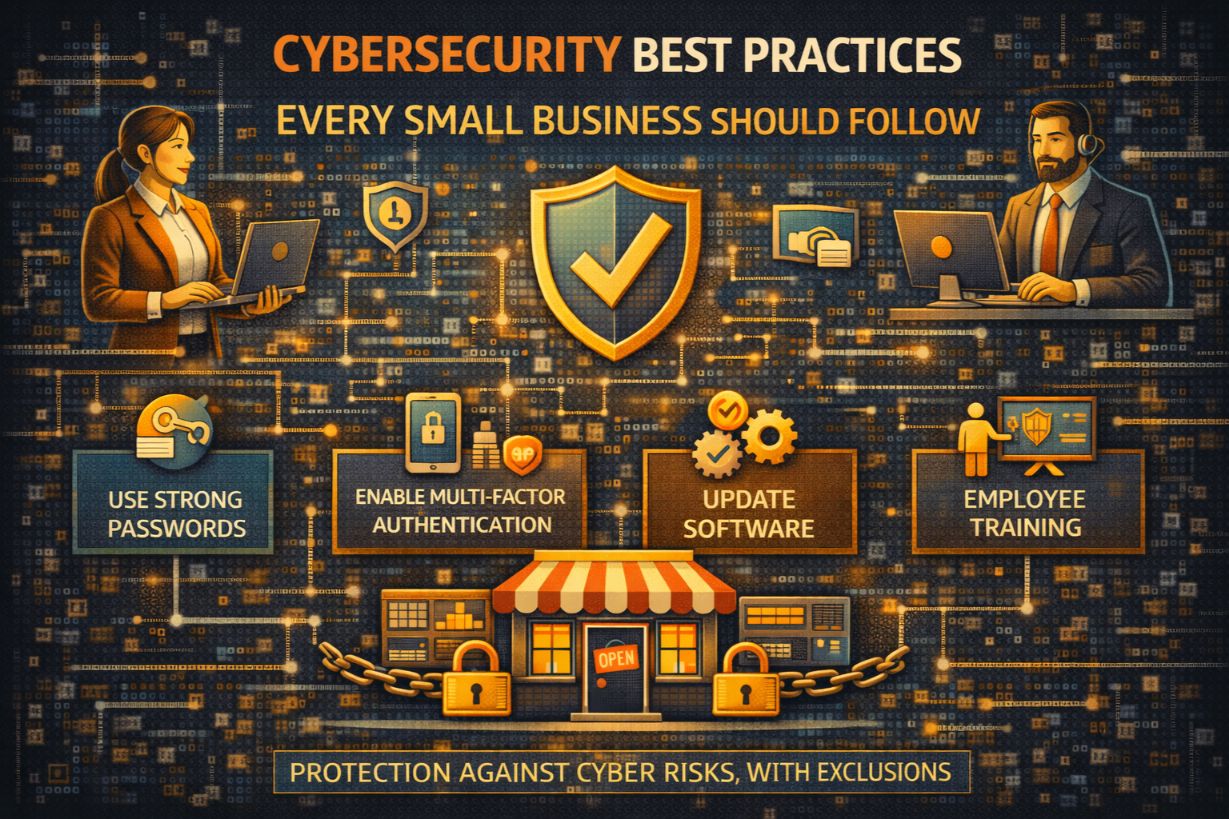
Cybersecurity Best Practices Every Small Business Should Follow
Most small businesses don’t fail at cybersecurity because they ignored everything.
They fail because they did some things, skipped others, and assumed the rest didn’t matter.
Cybersecurity best practices for SMBs are not about doing everything. They’re about doing the right things consistently, in the right order, with realistic expectations.
This guide breaks down the most important cybersecurity best practices for small businesses, why they matter, where SMBs go wrong, and how to implement them without enterprise budgets or operational paralysis.
Why “Best Practices” Matter More Than Advanced Security
Advanced security tools don’t help if:
- Basics are missing
- Access is uncontrolled
- Monitoring is absent
- Backups don’t work
Most SMB breaches occur because:
- MFA wasn’t enabled
- Systems weren’t patched
- Access wasn’t removed
- Phishing succeeded
Not because attackers used elite techniques.
Best practices reduce most real-world risk.
Best Practice #1: Enforce Multi-Factor Authentication Everywhere
If you do nothing else, do this.
MFA should be enabled on:
- Cloud platforms
- VPNs
- Admin accounts
- Remote access
Why this matters:
- Credential theft is the #1 breach method
- MFA blocks most account takeovers
- MFA dramatically reduces ransomware risk
SMBs without MFA are operating on borrowed time.
Best Practice #2: Control and Reduce Administrative Privileges
Too many admins = too much damage.
SMBs commonly:
- Grant admin rights for convenience
- Never remove elevated access
- Use shared admin accounts
Best practice:
- Least privilege by default
- Separate admin accounts
- Temporary elevation when needed
Attackers love admin access because it accelerates everything.
Best Practice #3: Secure Email First (Because Attackers Start There)
Email is the front door for most attacks.
Email security best practices include:
- Advanced phishing protection
- Impersonation detection
- Attachment scanning
- User reporting tools
Without strong email defenses, everything else is downstream risk.
Best Practice #4: Patch Systems Aggressively and Predictably
Unpatched systems are low-hanging fruit.
Best practices include:
- Automatic updates where possible
- Prioritized patching for critical systems
- Removal of unsupported software
Delayed patching turns known vulnerabilities into preventable breaches.
Best Practice #5: Backups That Actually Work
Backups are only valuable if:
- They are isolated
- They are encrypted
- They are tested regularly
Common SMB failures:
- Backups connected to production
- No restore testing
- Cloud backups assumed safe
Ransomware targets backups first.
Best Practice #6: Endpoint Protection Beyond Antivirus
Traditional antivirus is not enough.
Modern endpoint best practices include:
- Behavioral detection
- Automated containment
- Centralized visibility
Endpoints are where attackers execute—and where damage starts.
Best Practice #7: Know Where Your Data Lives
You can’t protect what you don’t understand.
Best practices:
- Identify sensitive data
- Document storage locations
- Limit access based on role
Data sprawl increases breach impact.
Best Practice #8: Remove Access Immediately When Roles Change
Former employees are a hidden risk.
Best practices:
- Immediate access revocation
- Device recovery
- Credential resets
Delayed offboarding is a common breach vector.
Best Practice #9: Train Employees for Reality, Not Theory
Annual checkbox training doesn’t work.
Effective training:
- Is short and frequent
- Uses real phishing examples
- Encourages reporting
- Avoids blame
Employees are sensors—not liabilities—when trained properly.
Best Practice #10: Monitor Security Events Continuously
You cannot respond to what you don’t see.
Best practices include:
- 24/7 monitoring
- Alert triage
- Incident escalation
Most breaches worsen because no one noticed early indicators.
Best Practice #11: Have a Simple Incident Response Plan
You don’t need a binder.
You need clarity:
- Who decides?
- Who responds?
- Who communicates?
Chaos costs more than attacks.
Best Practice #12: Secure Remote Work and Cloud Access
Remote work expanded attack surfaces permanently.
Best practices include:
- MFA for remote access
- Device security enforcement
- Secure VPN or zero-trust access
Home networks are now part of your risk profile.
Best Practice #13: Limit Vendor and Third-Party Access
Vendors expand your attack surface.
Best practices:
- Document vendor access
- Enforce MFA
- Review access regularly
Your security is tied to your weakest partner.
Best Practice #14: Document What You Do (Even Briefly)
Documentation isn’t bureaucracy—it’s defense.
Best practices include:
- Basic policies
- Access records
- Incident logs
Documentation protects you during audits, insurance claims, and investigations.
Why SMBs Struggle to Follow Best Practices
Common reasons:
- Time constraints
- Competing priorities
- Tool overload
- Lack of ownership
Best practices fail when no one owns them.
Why “Doing Some” Best Practices Isn’t Enough
Partial implementation creates blind spots.
Examples:
- MFA on admins but not email
- Backups without testing
- Training without reporting
Attackers exploit inconsistencies.
Best Practices Are About Reducing Blast Radius
No SMB is breach-proof.
Best practices:
- Reduce likelihood
- Reduce impact
- Reduce recovery time
They turn disasters into incidents.
Frameworks vs. Best Practices: What SMBs Need
SMBs don’t need:
- Heavy frameworks
- Enterprise bureaucracy
They need:
- Consistent execution
- Clear ownership
- Realistic controls
Best practices are frameworks—simplified for survival.
How to Implement Best Practices Without Overwhelm
The key is sequencing.
Start with:
- MFA
- Email security
- Backups
- Monitoring
- Access control
Then build outward.
Basics Beat Brilliance
Small businesses don’t lose because attackers are brilliant.
They lose because basic protections weren’t in place.
Cybersecurity best practices aren’t exciting—but they work.
Consistency beats complexity.
Discipline beats tools.
Preparation beats recovery.
Next Steps
To strengthen your cybersecurity baseline:
- Audit MFA coverage
- Review admin access
- Test backups
- Evaluate monitoring
- Identify missing basics
Security maturity starts with fundamentals.