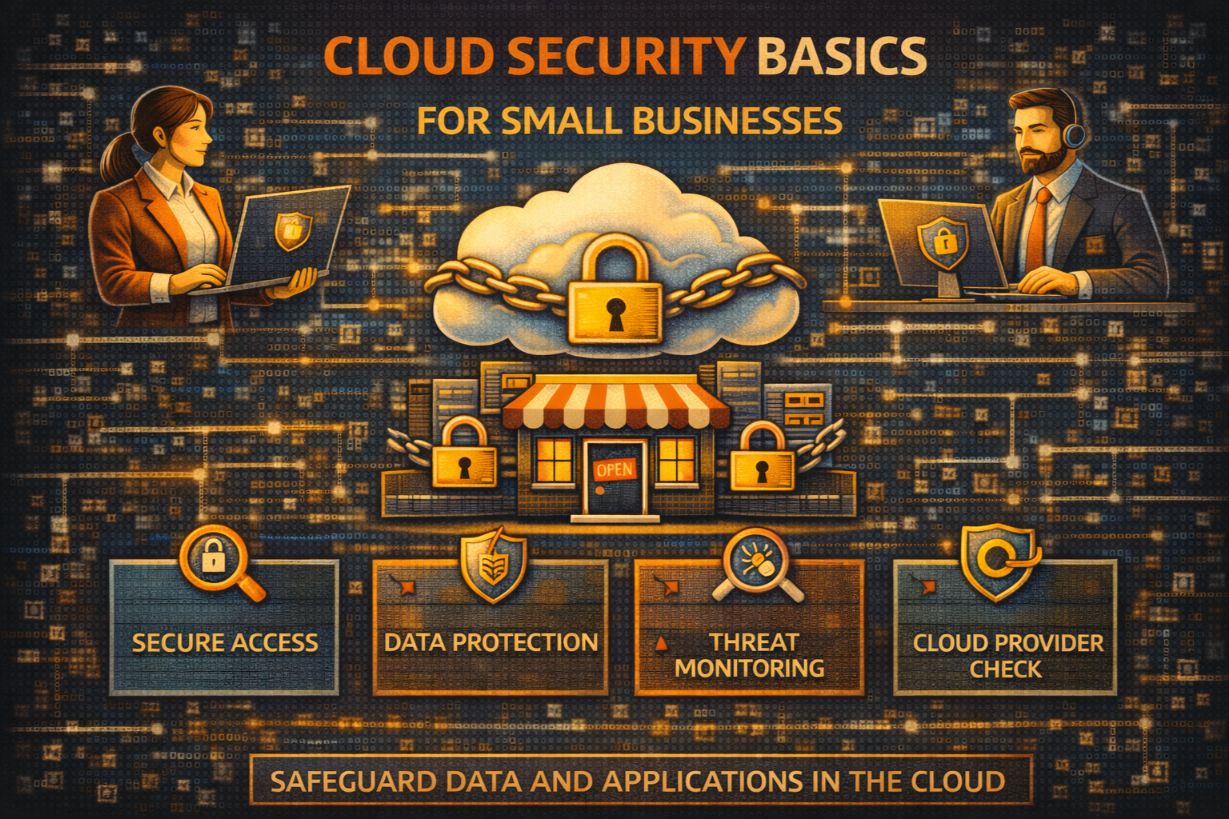
Cloud Security Basics for Small Businesses
Most small businesses believe their data is safer in the cloud.
That belief is half true—and dangerously incomplete.
Cloud providers do a good job securing their infrastructure. What they do not secure is how you configure access, permissions, and usage. That responsibility belongs entirely to the business.
For SMBs, cloud security failures rarely come from elite hackers. They come from:
- Misconfigured access
- Stolen credentials
- Excessive permissions
- Lack of visibility
This article explains cloud security basics for small businesses—what the cloud provider handles, what you are responsible for, where SMBs go wrong, and how to secure cloud environments without enterprise complexity.
Why Cloud Security Matters More for SMBs Than On-Prem
Cloud adoption exploded because it:
- Reduced infrastructure costs
- Enabled remote work
- Simplified collaboration
But it also:
- Centralized critical data
- Exposed systems to the internet
- Made identity the new perimeter
For SMBs, cloud security failures often affect:
- File storage
- Accounting
- CRM systems
When cloud access is compromised, attackers often gain everything at once.
The Shared Responsibility Model (What SMBs Miss)
Every major cloud provider follows a shared responsibility model.
Cloud Provider Secures:
- Physical data centers
- Network infrastructure
- Hardware
- Core platform services
You Secure:
- User accounts
- Passwords and MFA
- Access permissions
- Data sharing
- Device security
- Configuration
Most SMB breaches happen on the customer side of the model.
Why Identity Is the New Cloud Perimeter
In the cloud:
- There is no internal network
- Access is identity-based
- Credentials unlock everything
If an attacker compromises:
- An email account
- A cloud admin account
They often gain:
- File access
- Data exports
- Application access
- Account persistence
Cloud security starts—and often ends—with identity protection.
The Most Common Cloud Security Failures in SMBs
1. MFA Not Enforced Everywhere
This is the single biggest cloud security failure.
Without MFA:
- Stolen credentials = instant access
SMBs often enable MFA for admins—but not for:
- Regular users
- Third-party access
- Legacy protocols
Attackers target the weakest link.
2. Excessive Permissions
Cloud platforms make it easy to grant access—and hard to revoke it.
Common issues:
- Everyone is an admin
- Shared accounts
- Old vendor access
- Permissions that never expire
Excessive access increases blast radius.
3. Over-Sharing Cloud Data
Cloud file sharing is convenient—and risky.
SMBs often:
- Share files publicly
- Allow external access broadly
- Never review sharing links
Public links are data leaks waiting to happen.
4. No Visibility Into Cloud Activity
Many SMBs don’t monitor:
- Logins
- File downloads
- Permission changes
- API access
Without visibility, breaches remain silent.
5. Assuming Backups Are Automatic
Cloud platforms are not backups.
Accidental deletion, ransomware, and malicious changes can:
- Sync instantly
- Permanently remove data
Backup responsibility still belongs to the business.
Cloud Security Basics Every SMB Must Get Right
1. Enforce MFA on All Cloud Accounts
No exceptions.
This includes:
- File storage
- Admin portals
- Third-party integrations
MFA reduces the majority of cloud-based attacks.
2. Use Strong Identity and Access Management (IAM)
IAM best practices:
- Role-based access
- Separate admin accounts
- Just-in-time permissions
Do not use shared accounts.
3. Review Cloud Permissions Regularly
At least quarterly:
- Review who has access
- Remove unused accounts
- Validate vendor permissions
Access creep is a hidden risk.
4. Lock Down File Sharing
Best practices include:
- Disable public links where possible
- Require authentication for shared files
- Monitor external sharing
Convenience should not override data protection.
5. Secure Devices That Access the Cloud
Cloud security fails when endpoints are insecure.
Ensure:
- Device encryption
- Patch management
- Endpoint protection
- Screen locks
Compromised devices compromise cloud data.
6. Monitor Cloud Activity and Alerts
Cloud platforms generate logs—use them.
Monitor:
- Unusual logins
- Impossible travel
- Mass downloads
- Privilege changes
Detection is the difference between an incident and a disaster.
7. Back Up Cloud Data Separately
Cloud backups should be:
- Independent
- Isolated
- Regularly tested
If ransomware encrypts synced files, backups are your last defense.
Cloud Security and Remote Work: The Permanent Shift
Remote work expanded the attack surface permanently.
SMBs must assume:
- Home networks are untrusted
- Devices leave the office
- Wi-Fi security varies
Cloud security must account for:
- Location
- Device health
- Access context
This is where Zero Trust principles matter most.
Why VPNs Alone Don’t Secure the Cloud
VPNs assume:
- Once connected, users are trusted
In cloud-first environments:
- VPNs often provide too much access
- Stolen VPN credentials are dangerous
Modern cloud security relies more on:
- Identity-based access
- Conditional access
- Device trust
VPNs are no longer sufficient alone.
Cloud Misconfigurations: The Silent Killer
Many SMB breaches result from:
- Default settings
- Poor configuration
- Over-permissive policies
Cloud breaches often don’t involve hacking.
They involve misuse of allowed access.
Cloud Security and Compliance
Cloud usage does not eliminate compliance obligations.
SMBs must still:
- Protect regulated data
- Control access
- Log activity
- Respond to incidents
Misconfigured cloud environments are common compliance failures.
Why SMBs Underestimate Cloud Risk
Cloud feels:
- Abstract
- Outsourced
- “Handled by someone else”
In reality, cloud concentrates risk.
One compromised account can expose:
- Years of data
- Multiple systems
- Customer information
Cloud Security Is an Ongoing Process
Cloud environments change constantly:
- New users
- New apps
- New integrations
Security must keep up.
Annual reviews are not enough.
How SMBs Should Start Improving Cloud Security
Start with:
- MFA everywhere
- Admin access reduction
- File sharing review
- Cloud activity monitoring
- Backup validation
These steps reduce risk immediately.
The Strategic Truth About Cloud Security
The cloud did not remove responsibility.
It shifted responsibility.
For small businesses, cloud security is now:
- Identity security
- Access discipline
- Monitoring and response
Get those right, and the cloud becomes a strength—not a liability.
The Cloud Is Only as Secure as Your Access
Cloud providers protect infrastructure.
They don’t protect mistakes.
For SMBs, cloud security failures are rarely technical.
They are access and visibility failures.
Fix those, and most cloud risk disappears.
Next Steps
To strengthen cloud security:
- Audit MFA coverage
- Review cloud admin access
- Restrict file sharing
- Enable cloud activity monitoring
- Implement independent backups
Cloud security doesn’t require enterprise tools.
It requires discipline.